I was re-reading Pieter Levers blog post entry I’m Launching 12 Startups in 12 Months, and I have to say that I feel very identified with what he says in that post, all this dopamine rushing through my brain when I’m just starting to work on something new!, that is something I’m addicted to, I have so many projects that I have started and not finished, so many abandoned folders inside “my projects” folder, and I’ve being doing this for so long that I cannot remember when was the last time I really finished something, other than at my daily job.
There is also the fear component that Pieter talks about, It is real, there’s always something holding me back from releasing a project to the wild, every time I think about it (the fear), my brain denies it, but I have to admit; it is fear what is really holding me back, I’m tired of that!.
I feel this urge in creating something, almost every day, when I go to sleep I think about some of those ideas, I think about how to build them, what would be the right database schema, the business logic, etc. I have spent many nights like this, ideas circling my head, not letting me sleep, and when the morning arrives, that urge disappears, and I spent my day working on things about my day job, and never got the time to work on those ideas. It’s a never-ending vicious cycle.
I think it is time to change that!. I keep a Notion page with all these ideas that I’d like to share here, just for future reference, and to put some pressure on my self, so I can start working on them.
Apps, services, and product ideas
- Car wash app (CarClean)
- Collective shopping app
- Mall navigation app
- Virtual study group app
- Karaoke app
- Supermarket checkout and inventory app
- Gift table app
- Goods-transporter (logistic) app
- Coupon applier app
- Groceries cost/compare/order app
- Driver tracking app
- Quiz app
- Cooking recipe app
- Restaurant menu app (Bistro)
- Event management app
- Lottery app
- Bazar app (Owlete)
- VSCode extension for Laravel
- E-commerce/Store app
- Spotify Party Time
- Wallpaper app
- Chrome extension to list links in a page
- Chrome extension to manage tabs
- Chrome extension to manage tabs
- Chrome extension to save links and organize them, à la Pocket
- Chrome extension to save code snippets
- Chrome extension to open preview of page on floating window
- Chrome extension password generator
- Chrome extension for emoji selection
- Chrome extension to save navigation history (journey)
- Speed dial chrome extension
- Chrome extension to preview links
- Chrome extension to view and organize bookmarks in a better way
- Chrome extension to manage tabs
- Chrome extension to view pic of the day in new chrome tab
- Chrome extension to open links as “windows” (inner windows inside the current page)
- Chrome extension for auto suggestions
- STEMTok, an app for viewing videos about STEM
- AR card game
- Stickers for laptops with leds
- FFMPEG Cheat Sheet
- FFMPEG CLI helper
- Chrome extension to enhance the UX of Github
- An HTML reference page like this https://www.patrickweaver.net/blog/a-blog-post-with-every-html-element
- Chrome extension to search in chrome and put the results in a floating window
- Chrome extension that lets you pin other extension’s icons
- Spotify alt UI with visualizations
- Exiftool
- A simulator of dialup connection
- Emoji/Sticker generator app
- Image Editing With AI
- NerdTees
- Social networks trending aggregator
- Iframely clone
- A chrome extension that acts as a macro executor for chrome.
- Astro page that lets you “create” a reel.
- Chrome extension with a timer
- Chrome extension that shows the content of a link in a floating “window” inside the current page.
- An app to read free ebooks
-
- Chrome extension Powertools for Chrome
- Preview link
- Show link URL on hover
- Increase/decrease font size with mousewheel + ctrl
- Chrome extension that allows users to categorize git repositories
- Chrome extension that shows a side panel with all available groups and lets you organize your opened tabs
- Platform that lets you subscribe to newsletters without sharing your personal/work email.
All your subscriptions in one place, not have to share you personal or work email, don’t have to create a separate email just for newsletters.
The platform will create an email for you with your username and lets you use that email to subscribe to any newsletter.
Newsletter creators don’t have to be registered in the platform in order for the final user to read the newsletter.
Newsletter creators could create a “creator” account and prior identity validation have access to analytics of their newsletters.
- Chrome extension to save videos in watch later playlist
- An app like Justwatch but that order/classifies the movies by their rate in rotten tomatoes or user’s votes
- Chrome extension that allows users to add notes to pages inside the same page on a floating window, it also must allow users to add tags, comments, annotations, and highlights.
- Chrome extension that enhances the groups feature in Chrome
- Chrome extension that adds time to read (TTR) to a page.
- AI agent that reads all my RSS/Atom feeds and gives me a summary of all the updates by category, and a general update of the top news of the day.
- E-commerce app with chat-like interface
- Chrome extension that adds a toolbar similar to bookmarks bar but that lets you “Open in Tabbar”
- Chrome extension that shows the number of open tabs in the browser, and when clicked opens a list of all tabs in a sidebar.
- A player for https://musicforprogramming.net/latest/
- Chrome extension to format json, like json hero
- Emoji kitchen but like a native app.
- Link three clone
- AI Video for e-commerce
- A Web UI to view multiple agents chat history
- Note-taking app (Markpad)
- ZCodes, zip codes searching app
- Pocket app clone (Rocket Reader)
- Veofertas (Catalog of catalogs)
- Chrome extension that adds a shortcut sidebar/panel to all pages (Quickpane)
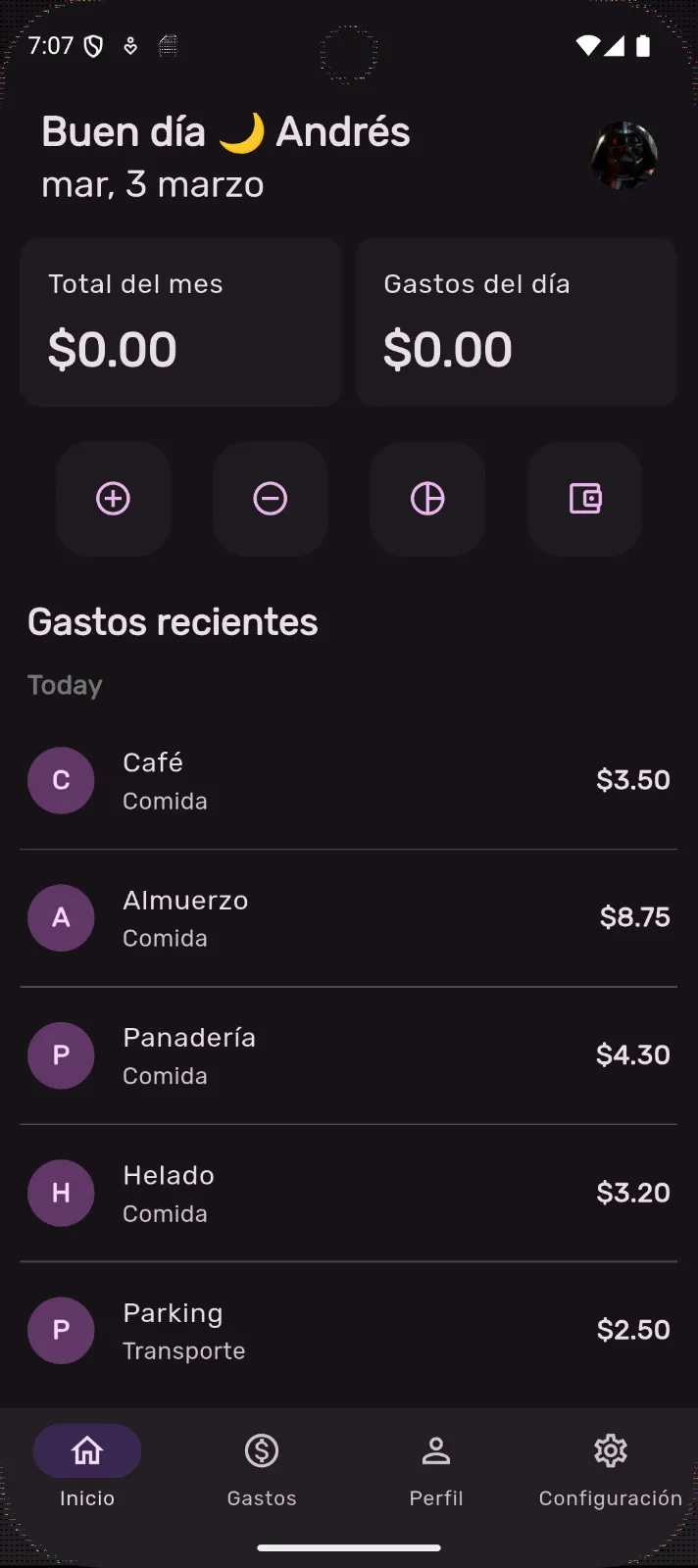
- Expenses tracking app (Sensei)
- Merchants app (Tana)
- Feedly clone app (Feedbox)
- Slack-Spotify what I’m listening
- Spotify mini player
- Youtube web client
- Webamp
- DevToys clone (DevToolkit)
- Quo
- CodeViz
- Bites
- Pangea
- Chrome extension that injects a new css styles for ChatGPT page.
- Chrome extension that takes the time you read an article
- Warp Chrome extension
- Tab-bar
- JSON visualizer (Lighting)
- An easy way to download videos from social platforms.
- An easy way to embed media (videos, photos, twits, sound, text) into any web site.
- An easy way to view all your pending PR reviews
As you can see they are so many, some of them are abstract concepts or app names like Quo, CodeViz or Pangea, and they need more explanation, I will be creating pages for each of them as I pick them. Some others in the list just come to my mind, and without thinking too much I add them to the list, and maybe are not worth exploring, but they are ideas nonetheless, and ideas can grow with time, that’s why I keep them there.
My plan now is to pick one (or maybe more) every month, work on it until at least I have an MVP, and then release it to the world, no matter if it’s not perfect, it has to be completely functional, though, and also useful, at least to me.